Plays what's already yours
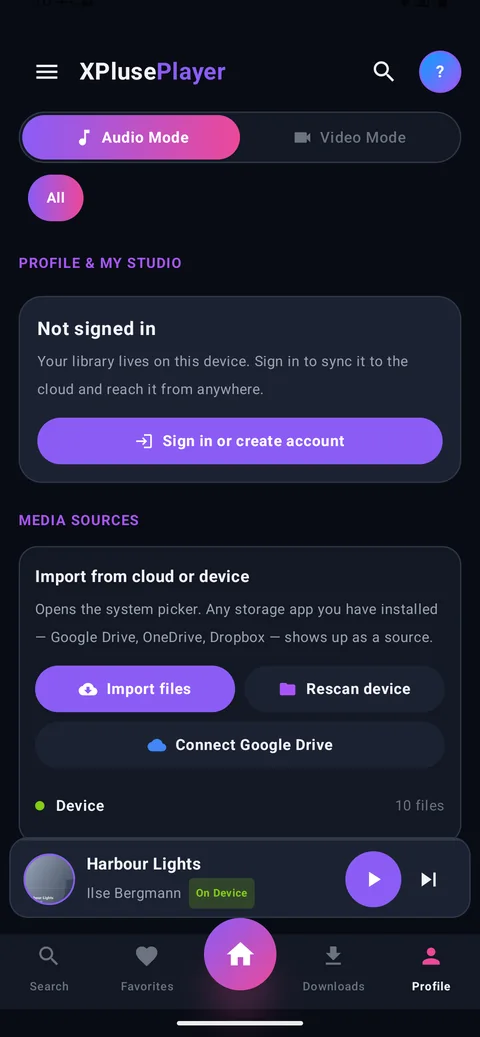
One tap scans the audio and video on your device and reads the real tags — title, artist, album and embedded cover art.
Version 1.0 · Free · No ads
XPlusePlayer plays the music and video already sitting on your device — and pulls in whatever you keep in Google Drive, OneDrive or Dropbox. No account. No subscription. No ads inside the app.
Real screens from the app — a dark Material 3 interface built for one-handed use.
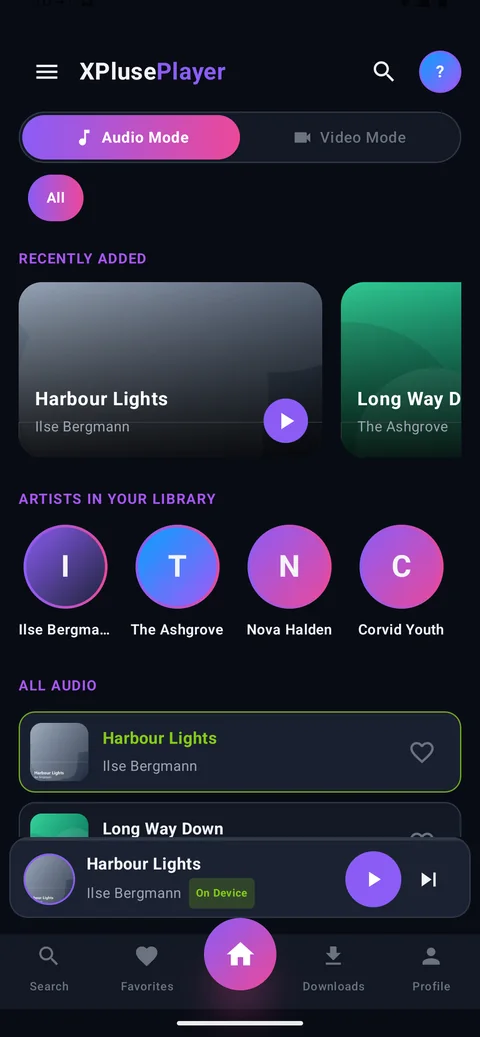
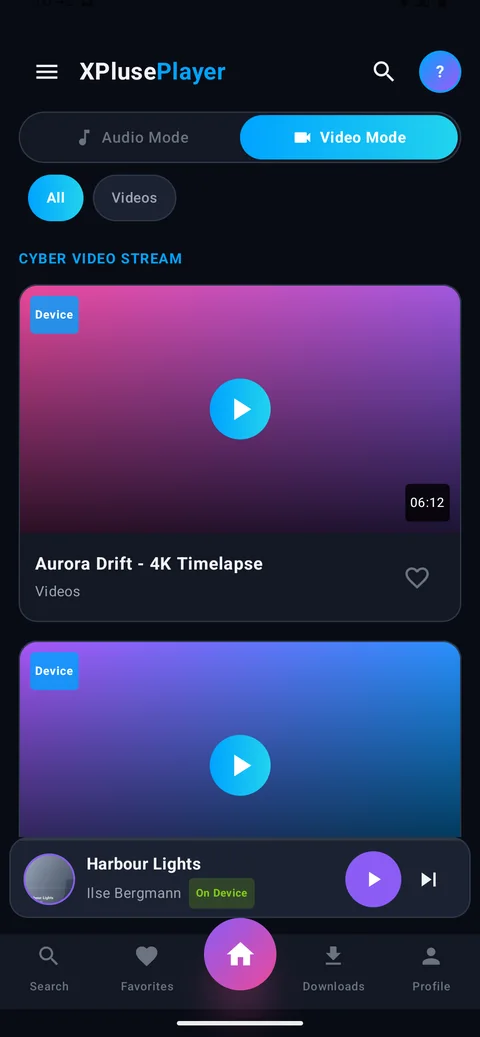
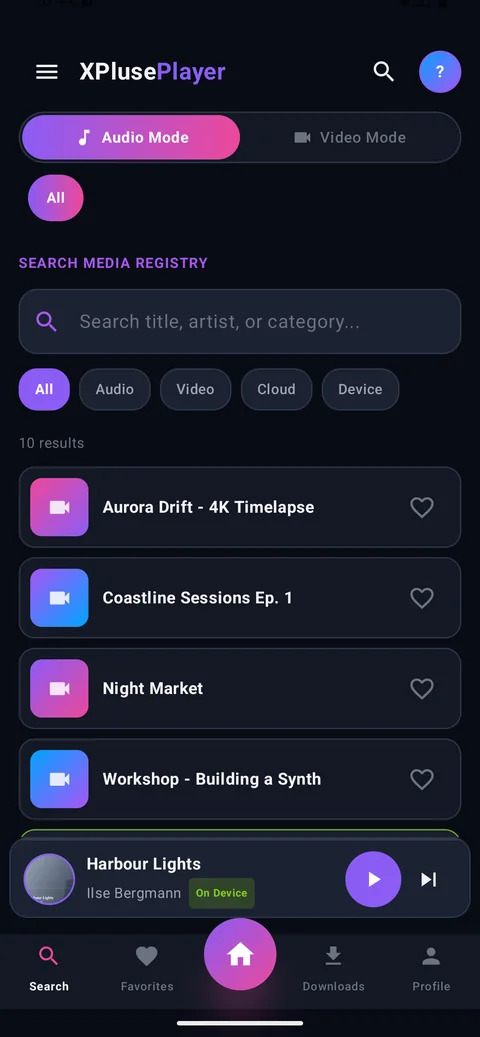
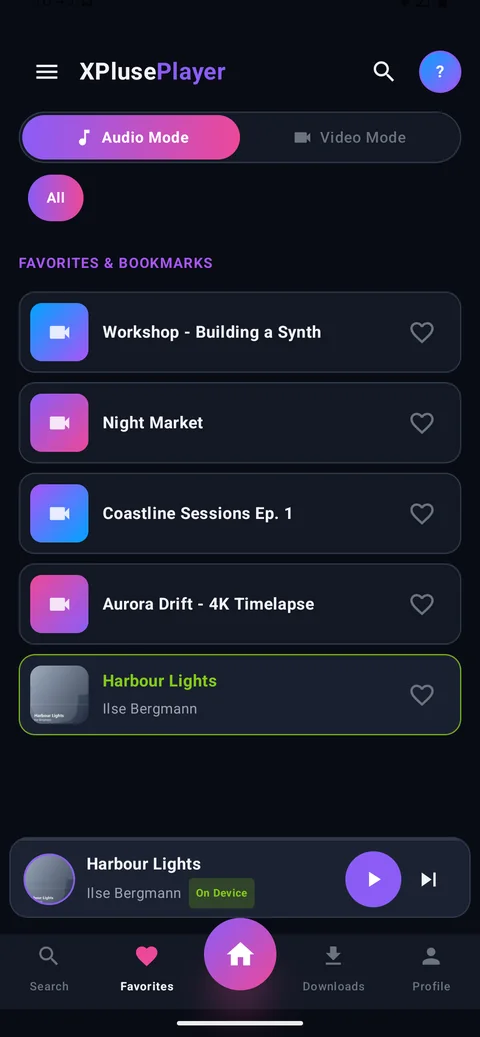
No feed. No recommendations. No “content”. Just your files, played properly.
One tap scans the audio and video on your device and reads the real tags — title, artist, album and embedded cover art.
Import through Android's own file picker, so Google Drive, OneDrive, Dropbox and every other storage app you have installed show up as a source.
Switch between audio and video mode instantly. No second app, no second library to maintain.
The app opens straight into your library. Creating an account is optional and only matters if you want your library synced across devices.
Save a cloud file to the device and it stays playable with the network off — an actual copy, not a cache entry that expires.
Lock-screen and notification controls, powered by Android's media session — so headphone buttons and your car stereo work as expected.
One search box across audio, video, cloud and device, with filters to narrow it down.
No banners, no interstitials, no “watch an ad to continue”. The app you install is the app you get.
XPlusePlayer ships with no sample content and no fake accounts. Every track and video you see is one you put there.
Tap the download button. The file lands in your Downloads folder.
Android asks whether to allow installs from your browser or file manager. Approve it — you can switch it back off straight afterwards.
Launch XPlusePlayer and tap Scan device. Your library appears immediately.
Yes — free to download, with no ads and no in-app purchases.
No. The app opens straight into your library. Signing up is optional and only exists so your library can follow you to another device.
Yes. Local playback needs no connection at all. Only cloud import, sign-in and downloads use the network.
Android 7.0 (Nougat) and newer, on phones and tablets.
The file on this page is signed by the developer, and you can verify it against the SHA-1 shown above. Android will prompt you once to allow installs from your browser; that permission can be revoked immediately after installing.
No — it is a player, not a streaming service. It plays files you already own, whether they're on the phone or in your own cloud storage.
A Play listing is in progress. Until then the signed APK here is the official download.
Free, offline, and free of everything you didn't ask for.